

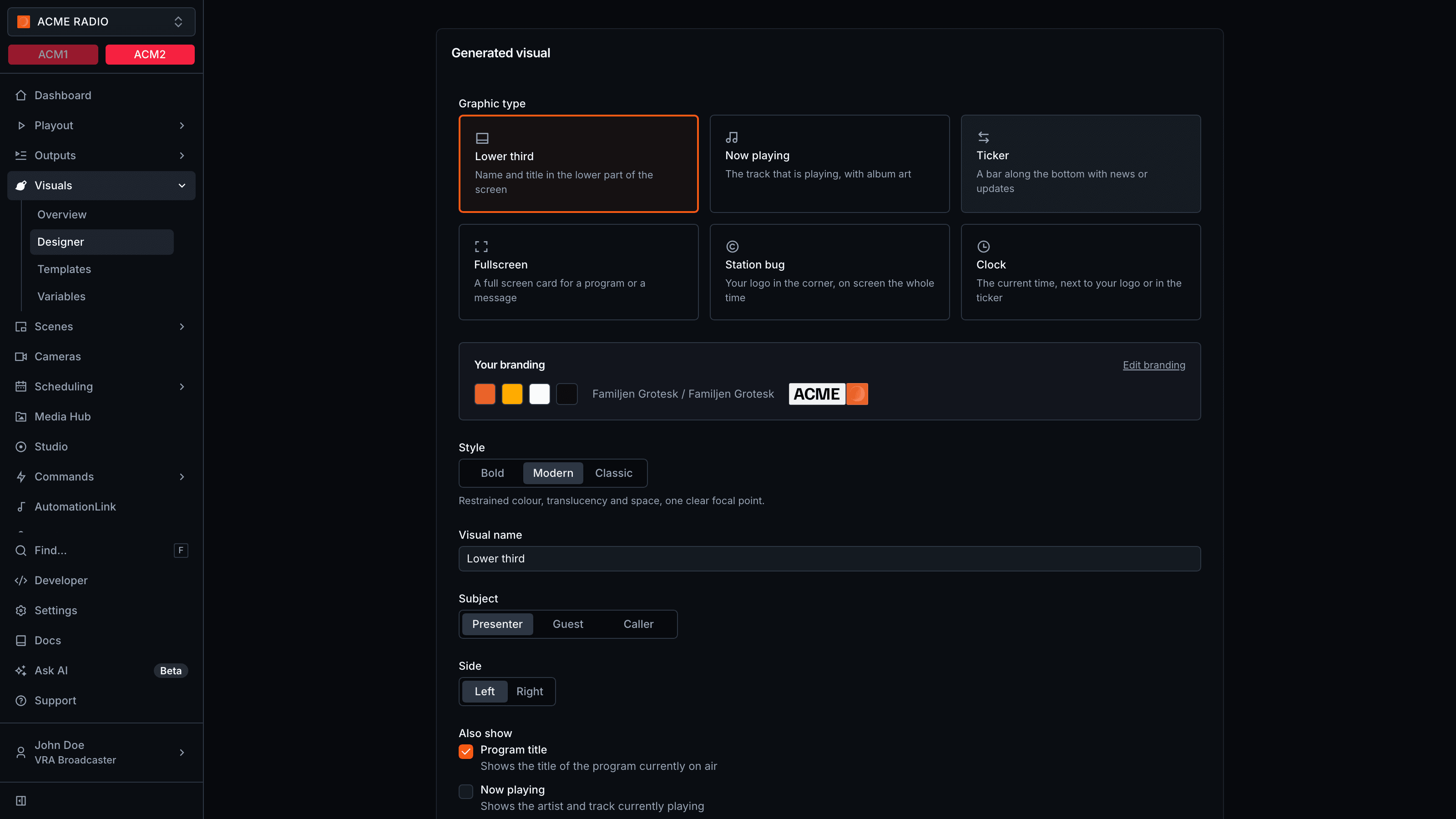
Generate a graphic from your branding
1
Choose From your branding
The generator needs your station branding. Without it, the page asks you to
set it up first.
2
Pick a graphic type
Choose Lower third, Now playing, Ticker, Fullscreen,
Station bug or Clock.
3
Pick a style
Choose Bold, Modern or Classic, and fill in the options of the
type, like the Subject and Side of a lower third.
4
Generate
Click the generate button, like Generate lower third. When it is done, the
Visual Designer opens on the new visual.
Generate a graphic from an image
Choose From image and upload an image of a graphic, like a screenshot or a design export. The image can be JPG, PNG, WEBP or SVG, at most 10 MB. Pick the Aspect ratio, 16:9 landscape or 9:16 portrait, and click Generate visual. VRA detects the text, shapes and logos and creates editable layers for them, grouped into containers like a title tab or a news ticker.Review a generated graphic
A generated visual opens with the message This visual was generated by AI. Review every layer before taking it on air. Check the texts, link them to live data where needed, and save. For a graphic from your branding, Try another generates a new version.AI credits for generated graphics
Each generated graphic costs 1 AI credit, charged only when the generation completes. A failed generation costs nothing. Contact support to check how many credits a station has left.- A station generates at most 10 graphics per day, failed ones included.
- A station generates one graphic at a time.
- When the credits for the month are used, generating stops until they renew. Contact support for more.