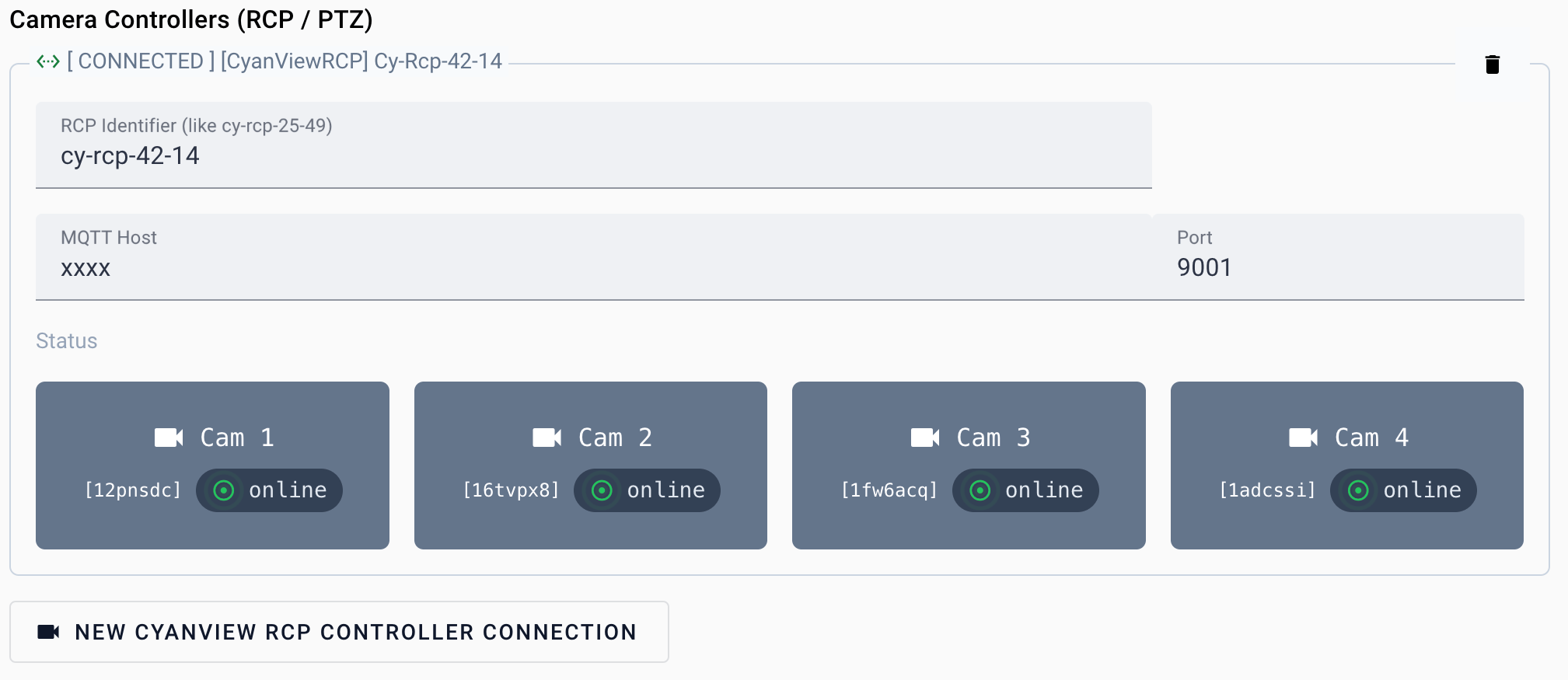
Manage Connections
Go to Settings → Studio → Cameras in VRA Cloud, click Add connection and pick the connection type: Panasonic, Sony VISCA or Cyanview RCP. Have the host and optionally the port of your camera ready. The default port is 80 for Panasonic, 52381 for Sony VISCA and 9001 for Cyanview RCP. After saving the new connection settings Visual Radio Assist will try to connect to the camera. If the cameras are connected successfully you will see the feedback of the success connection in front of the connection label. To debug connection problems, turn on Trace logging under Diagnostics on the same page and check the logs of the running Core instance for your studio.Connect with Cyanview RCP
The Cyanview RCP controller makes it possible to automatically make all RCP’s camera’s available to Visual Radio Assist.