

How commands work
- Open the thing that should act, like an audio trigger or an automation.
- Add a command and pick its type: Switcher, Camera angle, Macro or Internal.
- Fill in the fields of that type, like the switcher, the action and the input.
- Save. When the trigger fires or the condition is met, Core executes the command in the studio.
Where you add commands
Every place that runs a command uses the same command picker:- Audio triggers - Commands run when the audio goes above the threshold, Release Commands when it drops back. See Audio Triggers.
- Audio Manager fallback - Fallback commands run when every human speaker trigger is inactive. See Fallback scenarios.
- Macros - Each macro item runs one command. See Macros.
- Automations - The Activate command runs when the condition becomes active, the Release command when it becomes inactive. See Automations.
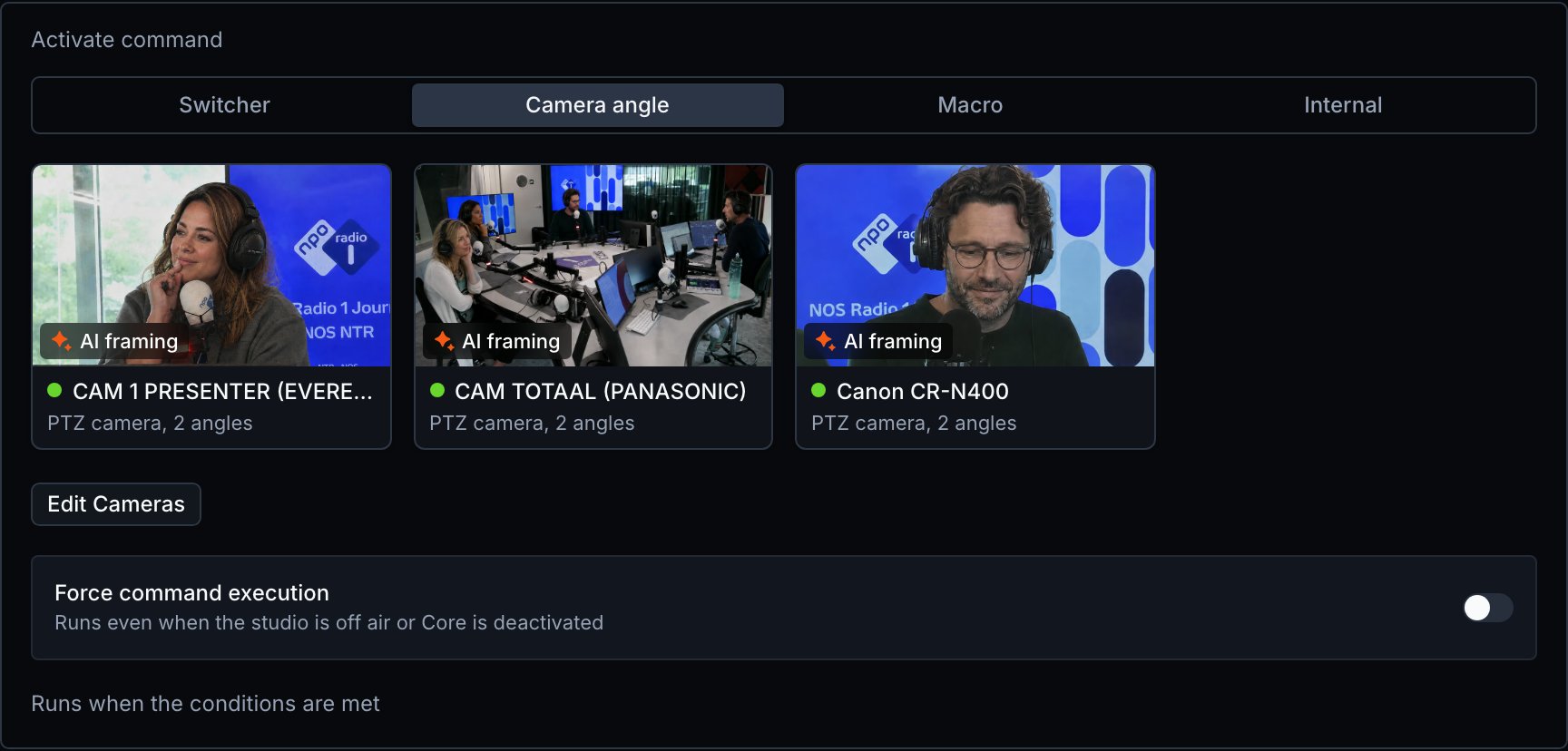
- Camera angles - The Core command puts the angle on air. A virtual angle also has a Pre-command that moves the camera into position first. See Camera Editor.
Command types
The command type decides what Visual Radio Assist does and which fields you fill in.Switcher actions
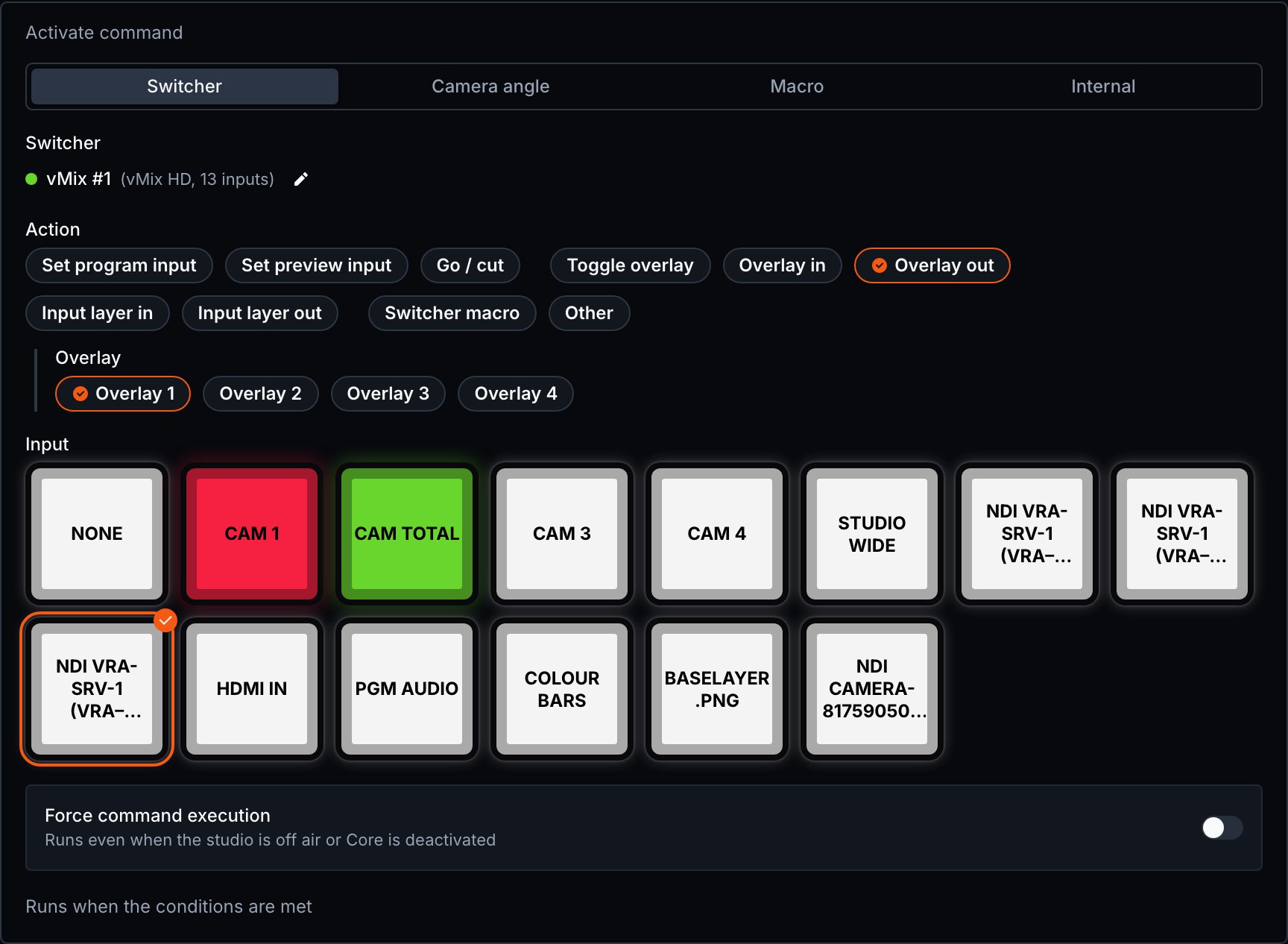
A Switcher command runs one action on the switcher you select.
The actions and fields depend on the switcher. A switcher with more than one output or M/E shows an Output or M/E field.
Camera angle commands
Internal commands
An Internal command changes the state of Visual Radio Assist itself instead of studio hardware.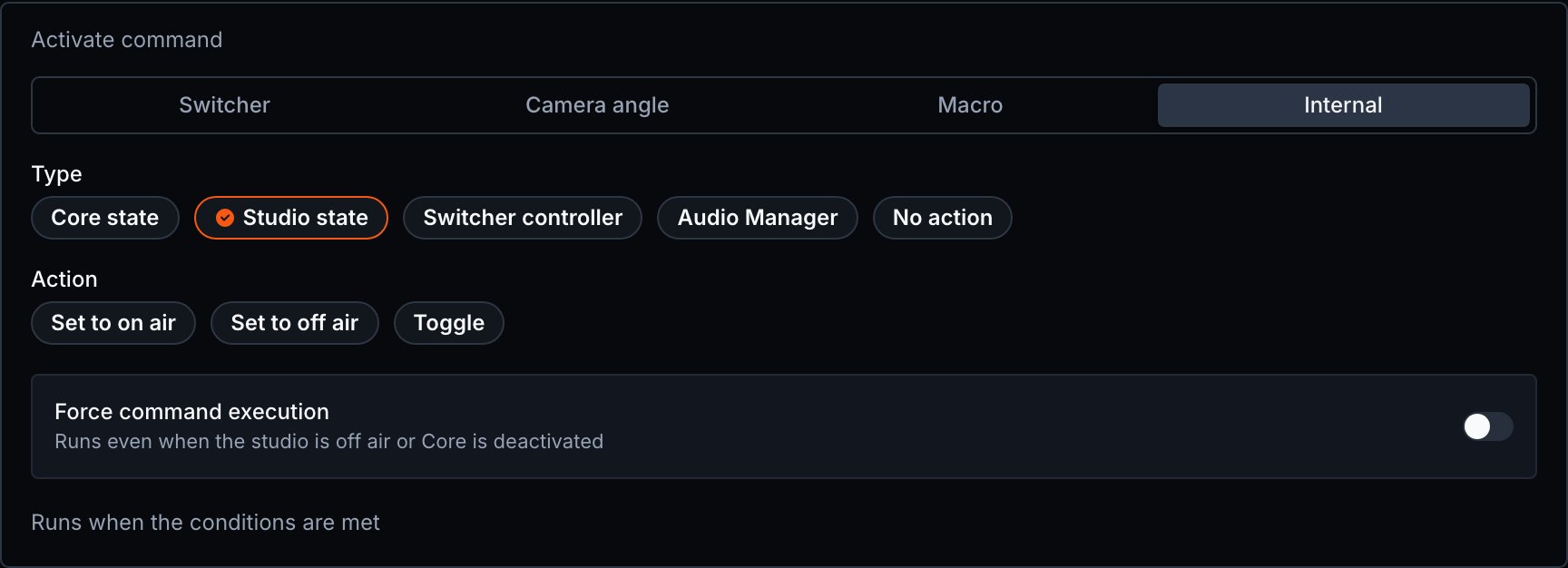
Force a command while off air
Force command execution runs the command even when the studio is off air or Core is deactivated. Without it, Visual Radio Assist skips the command in those states, so nothing switches while you are off air. Turn it on for a command that must always run, like a command that sets the studio on air.Limitations
- The command picker does not create HTTP actions or PTZ preset commands. A command of a type the picker can’t show reads This command can’t be edited here.
- The Macro type only shows when your license includes macros.