> ## Documentation Index
> Fetch the complete documentation index at: https://docs.visualradioassist.live/llms.txt
> Use this file to discover all available pages before exploring further.
# Use ATEM as Video Switcher for Visual Radio
> To manage your Video Switcher Connections make sure your Core App is running.
To manage your Video Switcher Connections make sure your [Core App is running](/machine-specs)
Go to [visualradio.cloud/studio/active/advanced/switcher](https://visualradio.cloud/studio/active/advanced/switcher) within your Cloud, and add a new Switcher.
## Supported ATEM Switchers
The VRA ATEM Switcher connection currently supports all ATEM Switchers with the following Firmware ranges: v7.2 – v7.5.2 + v8.0 – v8.6. Verify your ATEM firmware/”software” version in the ATEM Setup software.
| Firmware Ranges | |
| --------------- | ------ |
| v7.2 | v7.5.2 |
| v8.0 | v8.6 |
## Connect
Provide the **host** / ip of your ATEM Video Switcher. Open your ATEM Video Setup software to validate your ATEM’ Network settings.
Make sure that the VRA Core is able to access the ip address of the ATEM switcher on the network.
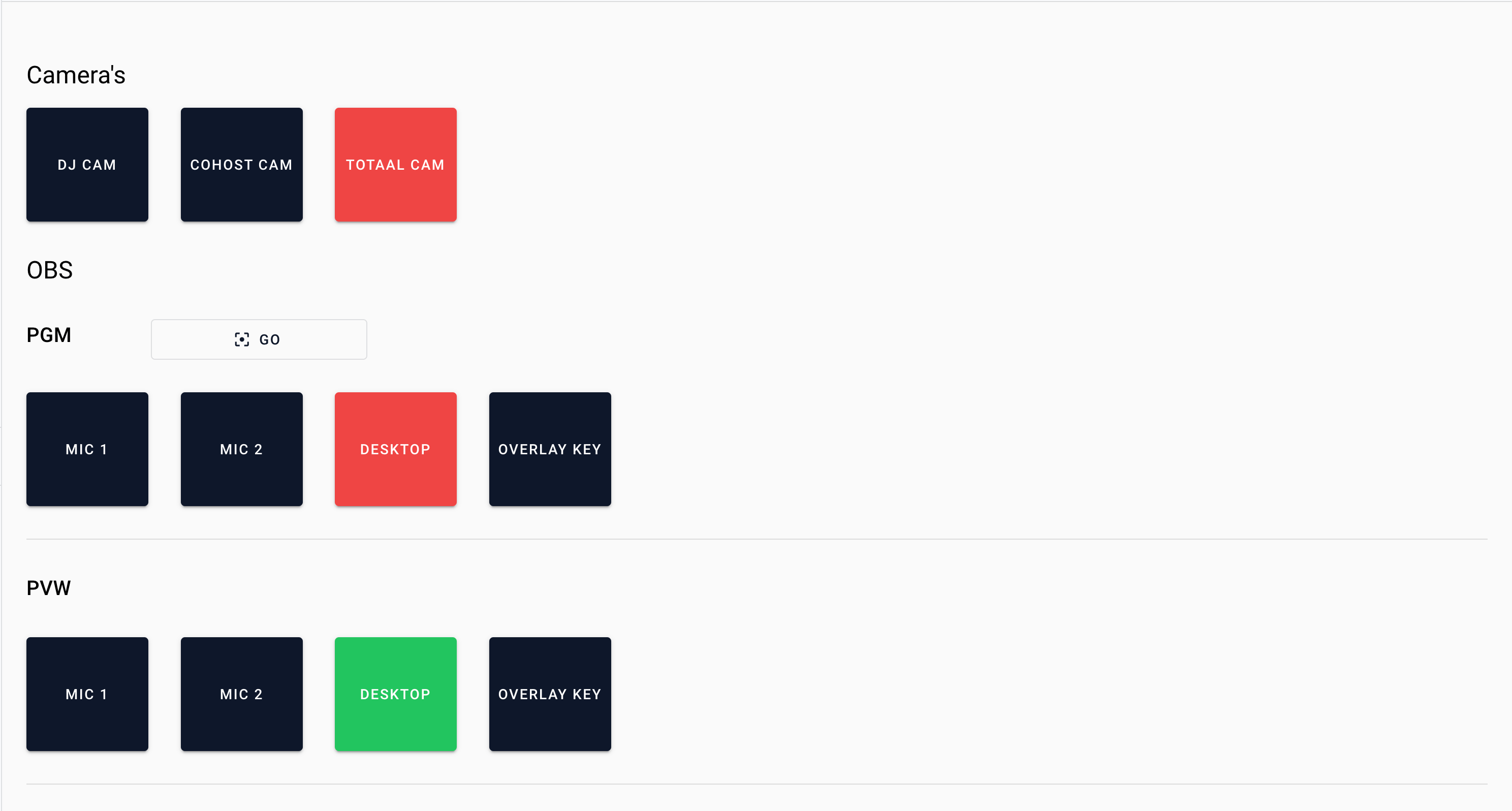
After configuring and **enabling** the new switcher configuration, go to [visualradio.cloud/switcher](https://visualradio.cloud/switcher) to test and validate your connection.