> ## Documentation Index
> Fetch the complete documentation index at: https://docs.visualradioassist.live/llms.txt
> Use this file to discover all available pages before exploring further.

# Video Switcher Configuration

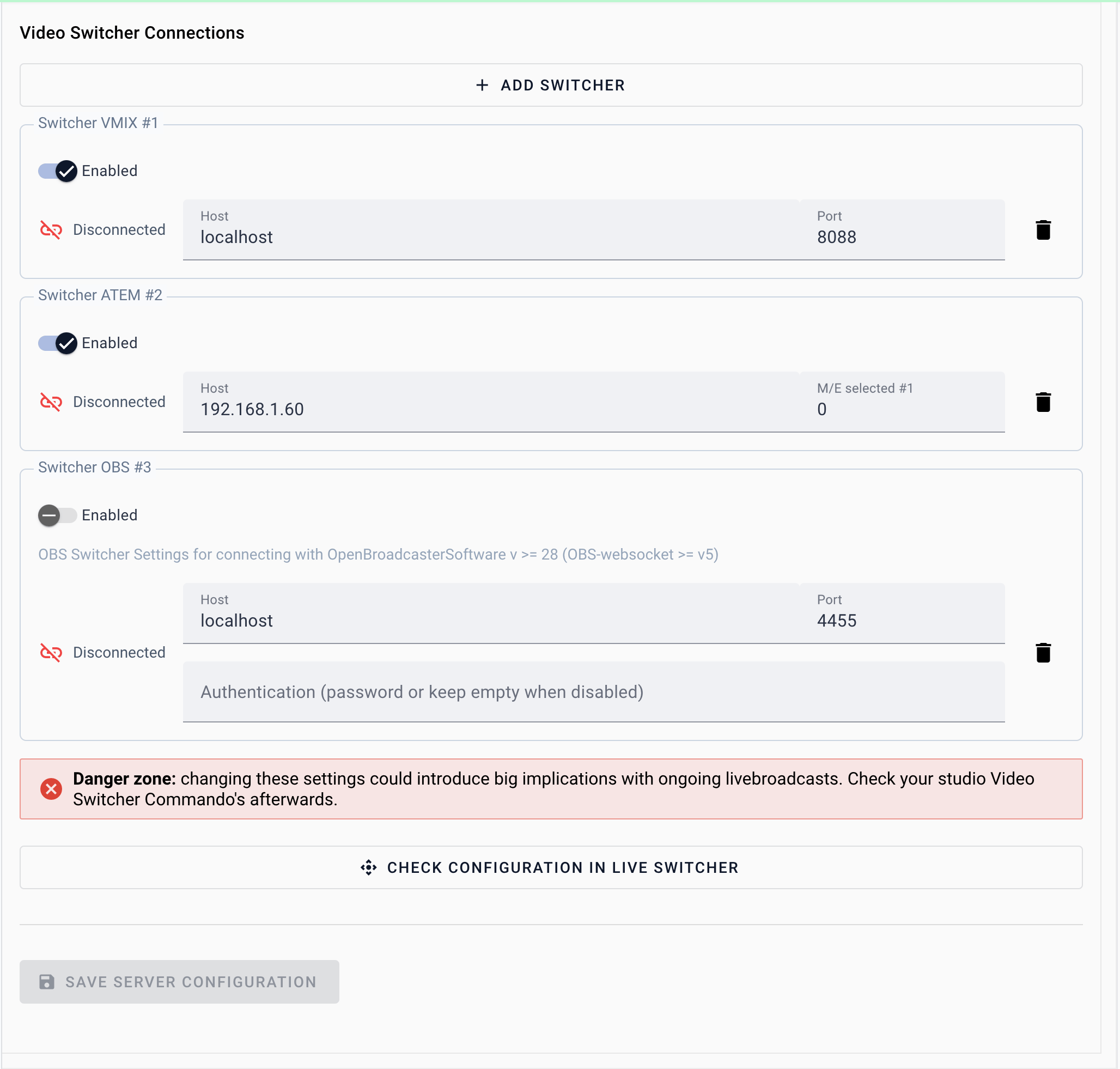
> To control your hardware or software Video Switcher with Visual Radio Assist you have to make and maintain a connection. Check the following guides on how to set-up this connection within your Cloud

To control your hardware or software Video Switcher with Visual Radio Assist you have to make and maintain a connection. Check the following guides on how to set-up this connection within your Cloud

<CardGroup cols={2}>
  <Card title="Use ATEM as Video Switcher for Visual Radio" icon="sliders" href="/set-up/video-switcher-configuration/use-atem-as-video-switcher-for-visual-radio">
    Connect a Blackmagic ATEM switcher over the network.
  </Card>

  <Card title="Use vMix as Video Playout for Visual Radio" icon="video" href="/set-up/video-switcher-configuration/use-vmix-as-video-playout-for-visual-radio">
    Connect vMix over its Web Controller and TCP API.
  </Card>

  <Card title="Use OBS as Video Switcher for Visual Radio" icon="square-play" href="/set-up/video-switcher-configuration/use-obs-as-video-switcher-for-visual-radio">
    Connect OBS over its WebSocket server.
  </Card>
</CardGroup>

<img src="https://mintcdn.com/visualradioassist/1LQdAqmw3LInyH_s/images/set-up/video-switcher-configuration/1.png?fit=max&auto=format&n=1LQdAqmw3LInyH_s&q=85&s=b5222b988b2dd764d861cd64de786df8" alt="" width="2056" height="1962" data-path="images/set-up/video-switcher-configuration/1.png" />
