> ## Documentation Index
> Fetch the complete documentation index at: https://docs.visualradioassist.live/llms.txt
> Use this file to discover all available pages before exploring further.
# Link Zenon Media to Visual Radio
> To automate Visual Radio with Zenon Media you can easily link it to your set-up by following the steps described in our documentation.
To automate Visual Radio with Zenon Media you can easily link it to your set-up by following the steps described in our documentation.
### Steps to configure Zenon Media to send Nowplaying data to VRA
1. Go to VRA Cloud Advanced Studio Settings. Add the Zenon Media Automation
**Generate the Automation Dump URL**
Copy the URL and make sure to verify the host IP / name of VRA Core in the URL.
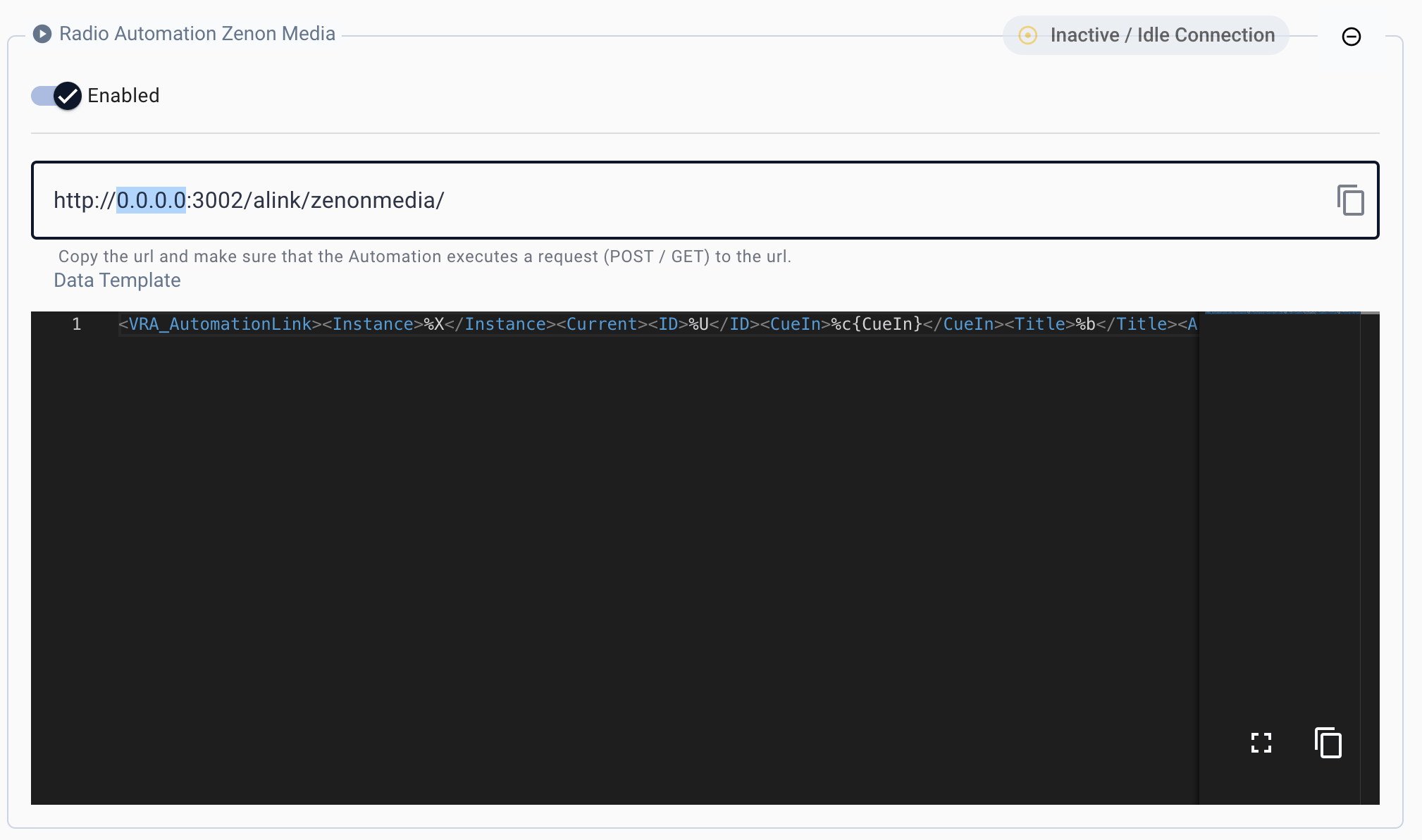 2. Configure a new Web \[POST] Destination in Nowplaying Playlist Export
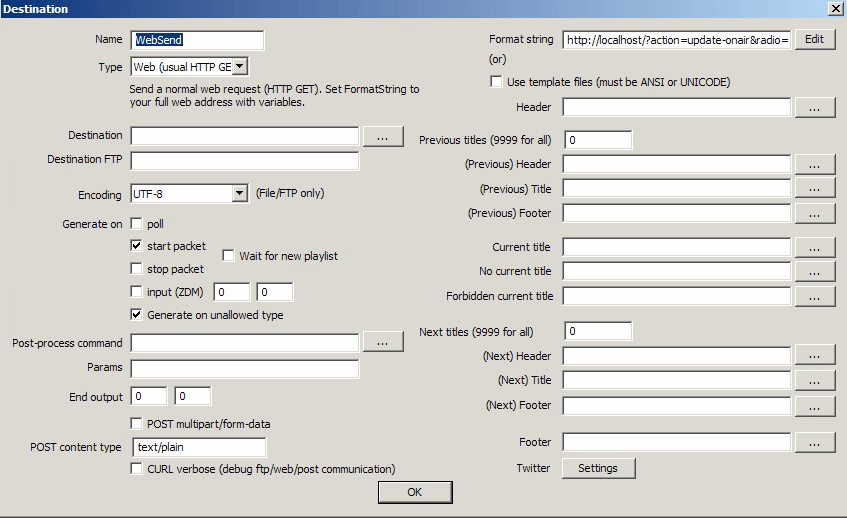
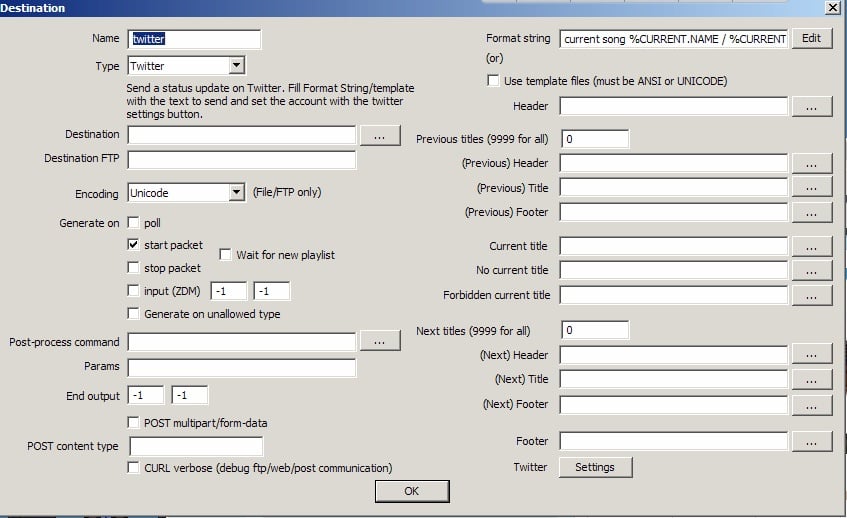 3. POST Content-type: “application/xml”
4. POST Multipart/form-data
5. Use the following template in the “Format String”
### Template
```xml theme={null}
zenon_media%CURRENT.ID%CURRENT.NAME%CURRENT.TITLE%CURRENT.DURATION%CURRENT.START%CURRENT.TYPE_ID%CURRENT.TYPE
```
3. POST Content-type: “application/xml”
4. POST Multipart/form-data
5. Use the following template in the “Format String”
### Template
```xml theme={null}
zenon_media%CURRENT.ID%CURRENT.NAME%CURRENT.TITLE%CURRENT.DURATION%CURRENT.START%CURRENT.TYPE_ID%CURRENT.TYPE
```