> ## Documentation Index
> Fetch the complete documentation index at: https://docs.visualradioassist.live/llms.txt
> Use this file to discover all available pages before exploring further.
# Create a new Program
> Add a new Scheduling Program by going to the Calendar and selecting a timeslot or clicking the (+) button.
Add a new Scheduling Program by going to the [Calendar](https://visualradio.cloud/scheduling) and selecting a timeslot or clicking the (+) button.
### Media
You should upload media first, before attaching it to a program. See [Media Hub](/media-hub)
 ### Recurring options
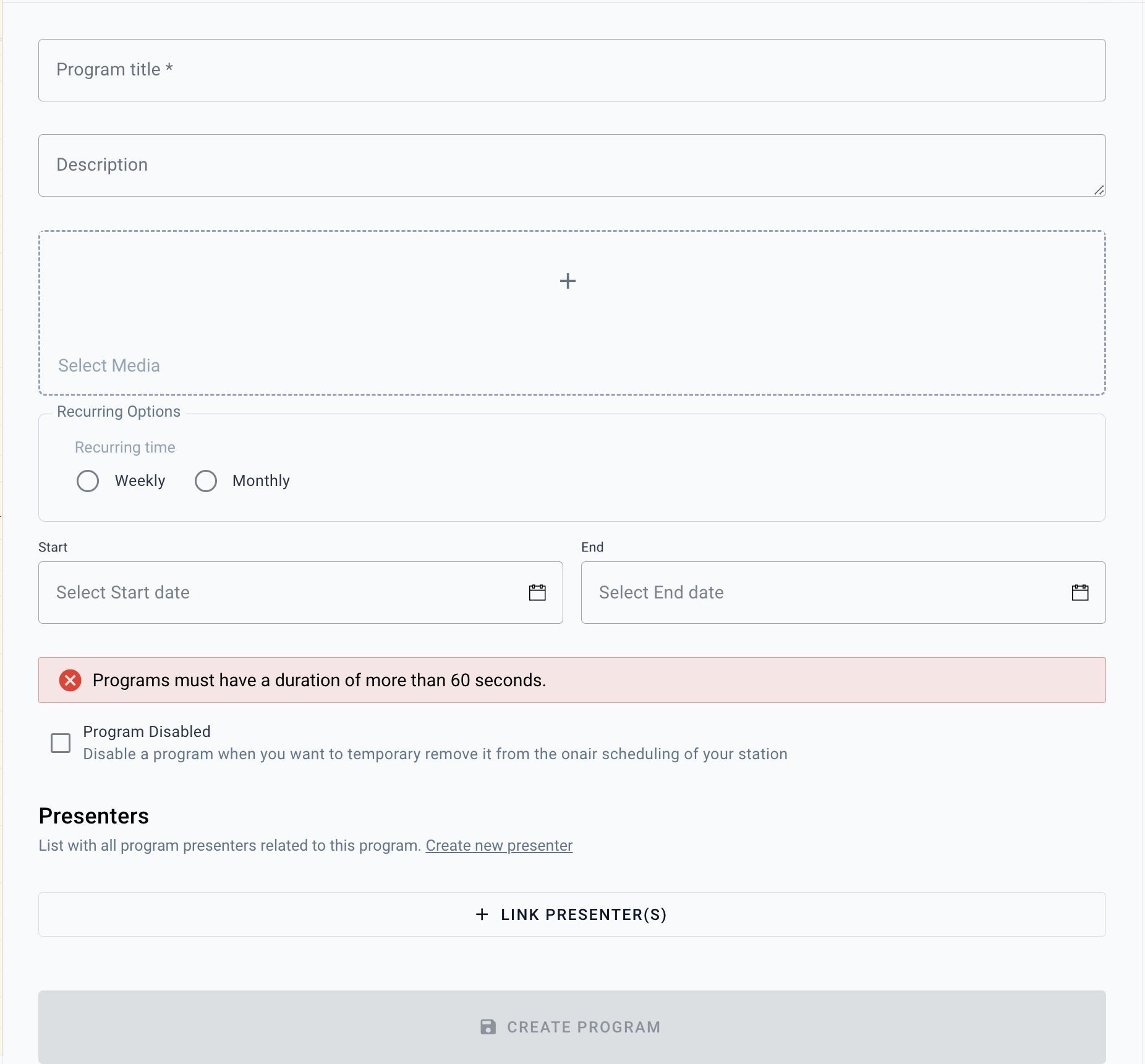
Programs can be recurring per week or month. When saving a Program with a starttime of 9:00 in your current timezone (daylight saving for example)– VRA makes sure that the program will always start at 9:00, even in another timezone/daylight saving time.
### Presenters
By adding presenters you could expand your Scheduling metadata with information about the live presenters.
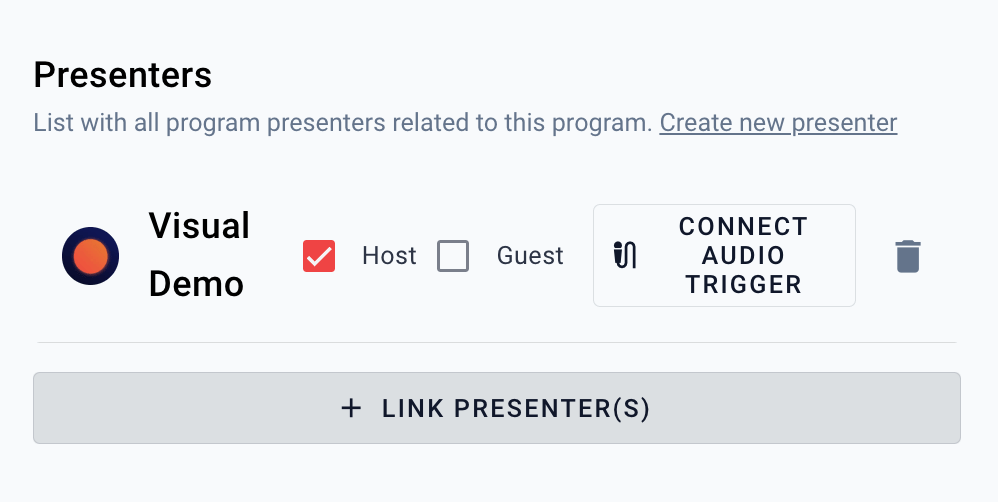
After connecting an audio trigger to the live presenter, VRA is able to automate the display of the information about live presenter in a [Content Visual](/visual-designer).
### Recurring options
Programs can be recurring per week or month. When saving a Program with a starttime of 9:00 in your current timezone (daylight saving for example)– VRA makes sure that the program will always start at 9:00, even in another timezone/daylight saving time.
### Presenters
By adding presenters you could expand your Scheduling metadata with information about the live presenters.
After connecting an audio trigger to the live presenter, VRA is able to automate the display of the information about live presenter in a [Content Visual](/visual-designer).
 ### Disabled programs
You could disable a program in certain scenario’s to remove it from your schedule automation:
1. When a program is saved in a “disabled” state it will not be Scheduled by VRA.
2. When you disable an enabled program, the program will be removed from the scheduling.
3. When a disabled program is enabled, it will be planned again.
When a scheduled program is already onair when disabled (by saving the program), the **onair program will be taken offair.**
### Disabled programs
You could disable a program in certain scenario’s to remove it from your schedule automation:
1. When a program is saved in a “disabled” state it will not be Scheduled by VRA.
2. When you disable an enabled program, the program will be removed from the scheduling.
3. When a disabled program is enabled, it will be planned again.
When a scheduled program is already onair when disabled (by saving the program), the **onair program will be taken offair.**